Best SEO Tools in 2026: Free and Paid Tools Compared | Digital Marketing Consultant in India
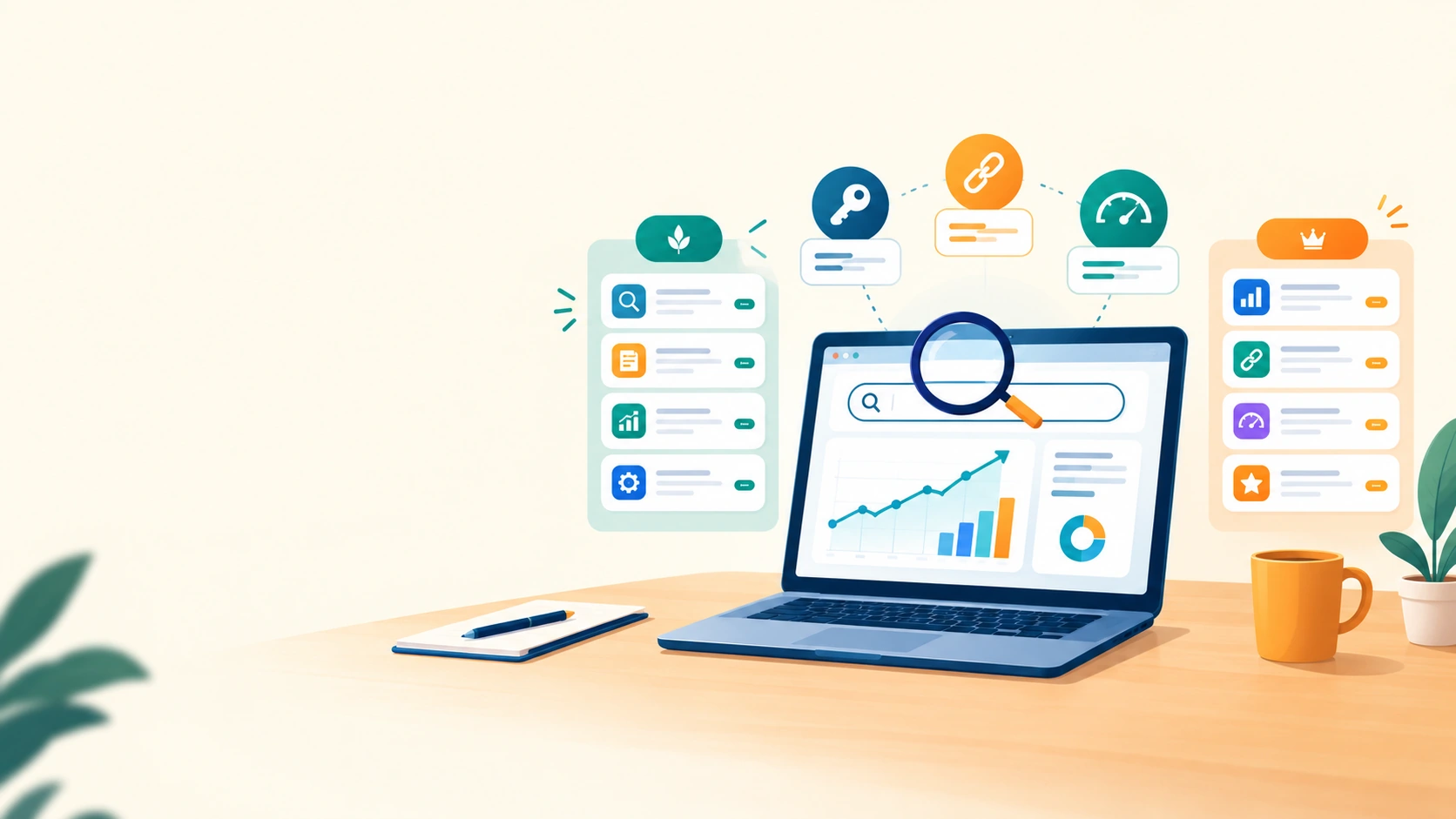
An honest, no-fluff look at the SEO tools worth your time this year, from free essentials to the paid platforms that earn their keep.
Introduction
SEO doesn’t look the way it did a few years ago. AI summaries sit above the results, chat assistants quote sources, and plenty of searches end without a single click. Ranking still matters, but so does being the brand people find, trust and get recommended.
The tools have kept up, which is both good and annoying. There are hundreds of them, and a lot of them do the same thing with a different logo. So here’s a simpler way to look at it: what does each tool actually help you do, who is it for, and where does it let you down? Whether you’re a business owner doing your own SEO or a digital marketing consultant in India juggling several clients, the goal is the same: build a stack that fits, not one that just looks impressive.
One quick note before we start. Pricing changes all the time, so I’ve described tiers instead of exact numbers. Check each vendor’s site before you buy anything.
Start With the Job, Not the Tool
It’s tempting to sign up for the biggest platform and figure it out later. Don’t. Work out what you need first. Almost all SEO work falls into six jobs:
- Keyword and topic research: working out what your audience is really searching for.
- Technical SEO: finding crawl errors, slow pages and indexing problems.
- On-page and content work: making pages match what people actually want.
- Backlink analysis: seeing who links to you, and to your competitors.
- Rank and visibility tracking: checking progress, including whether AI tools mention you.
- Reporting: showing results to your boss, your client or yourself.
No single tool wins at all six. Most people end up with one main platform, a couple of specialists, and free tools filling the gaps.
The Best Free SEO Tools
Google Search Console
If you only use one tool, make it this one. It shows the queries that bring you impressions and clicks, which pages Google has indexed, and what’s broken. Since the data comes straight from Google, nothing else is more accurate for your own site. Best for: everyone, no exceptions.
Google Analytics 4
Search Console tells you how people find you. GA4 tells you what they do next: which pages keep them reading and where they convert. Use the two together and you can finally connect a search query to an actual result. Best for: measuring real business impact.
Bing Webmaster Tools
People forget Bing, and that’s a mistake. Its data also powers other search and AI products, and the tool gives you site scans and keyword insights for free. It’s also a handy second opinion on indexing. Best for: wider search coverage.
Google Keyword Planner and Google Trends
Keyword Planner gives volume ranges and ideas (you’ll need a Google Ads account), while Trends shows what’s rising and what’s seasonal. Neither is perfect, but both are good enough to point you in the right direction early on. Best for: quick keyword validation.
PageSpeed Insights and Lighthouse
Slow, clunky pages frustrate visitors, and Core Web Vitals are part of how Google judges experience. These tools show real-world and lab data along with specific fixes. Best for: developers and site owners checking speed.
Ahrefs Webmaster Tools
Verify your own site and you get backlinks, organic keywords and a technical audit, all free. It won’t show you competitors, but for your own site it’s a great deal. Best for: small site owners who want serious backlink and audit data.
Screaming Frog (Free Version)
This desktop crawler is a favourite among technical SEOs. The free version caps the number of URLs, but that’s plenty for a small site. Use it to catch broken links, missing titles, redirect chains and duplicate content. Best for: hands-on technical audits.
Freemium Keyword Helpers
Ubersuggest, AnswerThePublic and browser extensions like Keywords Everywhere give you limited free use, then nudge you toward a paid plan. Daily limits are the catch, but they’re handy for quick ideas. Best for: bloggers on a tight budget.
Paid tools earn their price through bigger databases, competitor data, automation and team features. Here’s how the main ones differ.
Semrush
An all-in-one suite covering keyword research, site audits, competitor analysis, content tools, rank tracking and a growing set of AI-search features. It has one of the widest feature sets around. Strengths: breadth, competitive intelligence, reporting. Watch out for: a learning curve, and add-ons that can push the bill up. Best for: agencies and marketing teams who want everything in one place.
Ahrefs
Practitioners tend to trust it for its backlink index and keyword data, and the interface is clean. Strengths: backlink analysis, keyword difficulty, competitor research. Watch out for: costs that climb with usage and seats. Best for: link building and serious competitor research.
Moz Pro
A long-running name, known for Domain Authority and beginner-friendly guidance. It’s easy to pick up and well documented, though its data scale is generally smaller than the two above. Best for: newer SEOs and small teams who want to learn as they go.
SE Ranking
A value-focused all-rounder with rank tracking, audits, backlink data and white-label reports. Best for: freelancers and small agencies who want solid coverage without a premium price.
Mangools
A lighter suite (KWFinder, SERPChecker and a few others) that’s genuinely pleasant to use. It can’t match the big suites for depth, but it doesn’t try to. Best for: beginners and solo creators focused on keyword research.
Sitebulb and Screaming Frog (Paid)
If technical SEO is your main focus, the paid crawlers are worth it: unlimited crawling, JavaScript rendering, scheduled audits and prioritised recommendations. Sitebulb leans toward clear, visual reports, while Screaming Frog leans toward raw power and flexibility. Best for: technical SEOs and large sites.
Surfer, Clearscope and Frase
These content tools study the pages already ranking and suggest topics, terms and structure for your draft. Treat them as a guide, not gospel. Chasing a perfect score is a quick way to write bland content. Best for: content teams publishing at scale.
AI Visibility Trackers
This is the newest category. These tools check whether your brand shows up in AI-generated answers and which sources get cited. The big suites like Semrush and Ahrefs have added features here, and several startups have appeared too. It moves fast, so use free trials before committing. Best for: brands that rely on being recommended by AI assistants.
Quick Comparison
|
Tool |
Type |
Best For |
Main Strength |
|---|---|---|---|
|
Google Search Console |
Free |
Everyone |
First-party data straight from Google |
|
Google Analytics 4 |
Free |
Site owners |
Behaviour and conversions |
|
Bing Webmaster Tools |
Free |
Wider coverage |
Indexing and Bing data |
|
Ahrefs Webmaster Tools |
Free |
Small sites |
Own-site backlinks and audits |
|
Screaming Frog |
Free / Paid |
Technical audits |
Powerful crawling |
|
Ubersuggest / Keywords Everywhere |
Freemium |
Bloggers |
Quick keyword ideas |
|
Semrush |
Paid |
Agencies and teams |
All-in-one breadth |
|
Ahrefs |
Paid |
Link builders |
Backlink and keyword data |
|
Moz Pro |
Paid |
Beginners |
Ease of use and learning |
|
SE Ranking |
Paid |
Freelancers, small agencies |
Value and reporting |
|
Mangools |
Paid |
Solo creators |
Simplicity |
|
Surfer / Clearscope / Frase |
Paid |
Content teams |
On-page optimisation |

Stick with free if you run a small site, you’re still learning, or the budget just isn’t there. Search Console, GA4, Bing Webmaster Tools, Ahrefs Webmaster Tools and the free Screaming Frog cover the basics well.
Move to paid when you need competitor data, large-scale keyword research, backlink prospecting or automated reporting, or when you’re handling several sites or clients. Once SEO brings in real revenue, the time you save usually pays for the subscription.
Here’s the simplest way to remember it: free tools show you your own site, and paid tools show you the whole market.
• No budget: Search Console, GA4, Bing Webmaster Tools, Google Trends, PageSpeed Insights, Ahrefs Webmaster Tools and free Screaming Frog.
• Solo creator or small business: the free stack, plus Mangools or SE Ranking.
• Growing content team: the free stack, plus Semrush or Ahrefs and a content optimiser like Surfer or Clearscope.
• Agency or enterprise: Semrush or Ahrefs, a paid crawler such as Sitebulb or Screaming Frog, rank and AI visibility tracking, and a reporting layer on top.
If you’re thinking about hiring help instead of building all this yourself, a good digital marketing consultant in India will usually already have paid access to several of these. That can be cheaper than buying the subscriptions on your own, especially while you’re still figuring out what you need.
Tips for Getting More Out of Your Tools
1. Begin with a goal. Decide what you want to fix or grow before you open a dashboard.
2. Cross-check the numbers. Keyword volume and difficulty are estimates, and tools often disagree. Use them for direction, not as facts.
3. Trust first-party data. If Search Console and a third-party tool disagree, go with Search Console.
4. Use free trials. Most paid tools offer one. Test them on your real project, not a demo site.
5. Don’t chase scores. A high content score doesn’t guarantee rankings. Helpful, original writing that matches search intent still wins.
6. Review your stack once a year. Features, pricing and search itself keep changing.
The best SEO tool is the one that fits your goals, your skills and your budget. In 2026, a free foundation of Google Search Console, GA4 and a decent crawler can take you surprisingly far. When you’re ready to compete harder, an all-in-one platform like Semrush or Ahrefs, backed by a few specialists for content and technical work, gives you the data and the speed to scale.
Start small, measure what matters, and only add a tool when it solves a real problem. That applies whether you’re running your own site or you’re a digital marketing consultant in India building a repeatable process for clients. Tools show you the opportunities, but the results still come from the work you put in.
Note: Features and pricing change often. Please verify current details on each tool’s official website before purchasing.
Freelancer or Agency? Which Is Better?
There’s no single right answer. It depends on your business.
A freelancer is usually cheaper, and you talk directly to the person doing your work. They’re a good choice for small businesses or when you need help with one or two things. The downside is that one person can only do so much.
An agency has a whole team: designers, video editors, ad managers, and writers. It’s good if you want everything handled in one place. It usually costs more, and sometimes you’ll talk to a manager instead of the person doing the work.
A great freelancer can beat a poor agency, and the other way around. Look at the person or team, not the label.
Questions Worth Asking Before You Hire
Keep these handy for your first conversation:
- Have you worked with businesses like mine? What happened?
- What will you do in the first 3 months?
- How will I know if it’s working?
- Who will actually be working on my account?
- What’s included in the price, and what costs extra?
- Will my ad accounts, website, and data belong to me?
- What happens if I don’t see results after a few months?
Pay attention to how they answer. Clear, simple answers without heavy jargon are a good sign.
Warning Signs to Watch Out For
- They guarantee results or instant success
- They have no past work or references to show
- They won’t give you access to your own ad accounts
- They push you to sign a long contract immediately
- Their price is far lower than everyone else’s, with no real plan
- Their reports show only likes and views, never enquiries or sales
Not Sure? Start Small
You don’t have to commit to a big contract on day one. Try a small project first: fix your Google Maps listing, run a small ad campaign, or try a 2-month social media plan. You’ll quickly see how they work, how they communicate, and whether they deliver.
The Bottom Line
The best digital marketing expert isn’t the loudest or the cheapest. It’s someone who listens, understands your customers, tells you the truth, and cares about growing your business.
Take your time. Talk to two or three people. Ask questions. Trust the one who makes things clear and feels like a partner, not just a salesperson.
Your business deserves to be found. The right person can help you get there.